Most businesses do not come to us asking for "a website" or "a web app". They come with a problem. Enquiries have dried up. The team spends Friday afternoons copying figures between spreadsheets. Customers phone to ask about an order because they cannot check it online. The site looks fine on a laptop but falls apart on a phone, and nobody in the office can change the prices without calling a developer.
Each of those problems has a technical answer, but the answer is not always the same. Sometimes it is a faster, clearer website. Sometimes it is a web application that replaces a manual process. Often it is a bit of both. This guide explains the difference in plain language, walks through the problems we see most often and how to fix them, and answers the questions business owners ask us before they start a project.
Websites and web applications: what is the difference?
The simplest way to think about it: a website mainly presents information, and a web application lets people get things done, usually after signing in. Both run in a browser, and many projects combine the two.
| Type | What it is for |
|---|---|
| Business website | Explaining what you do and turning visitors into enquiries. For example: service pages, case studies and a contact form. |
| Corporate website | Presenting a larger organisation to customers, partners, investors and job seekers. For example: several divisions, news, careers and policies, managed by different teams. |
| E-commerce website | Selling products online. For example: catalogue, basket, checkout and order emails. |
| Custom web application | Running a process that is specific to your business. For example: quoting, job scheduling or approvals in one place. |
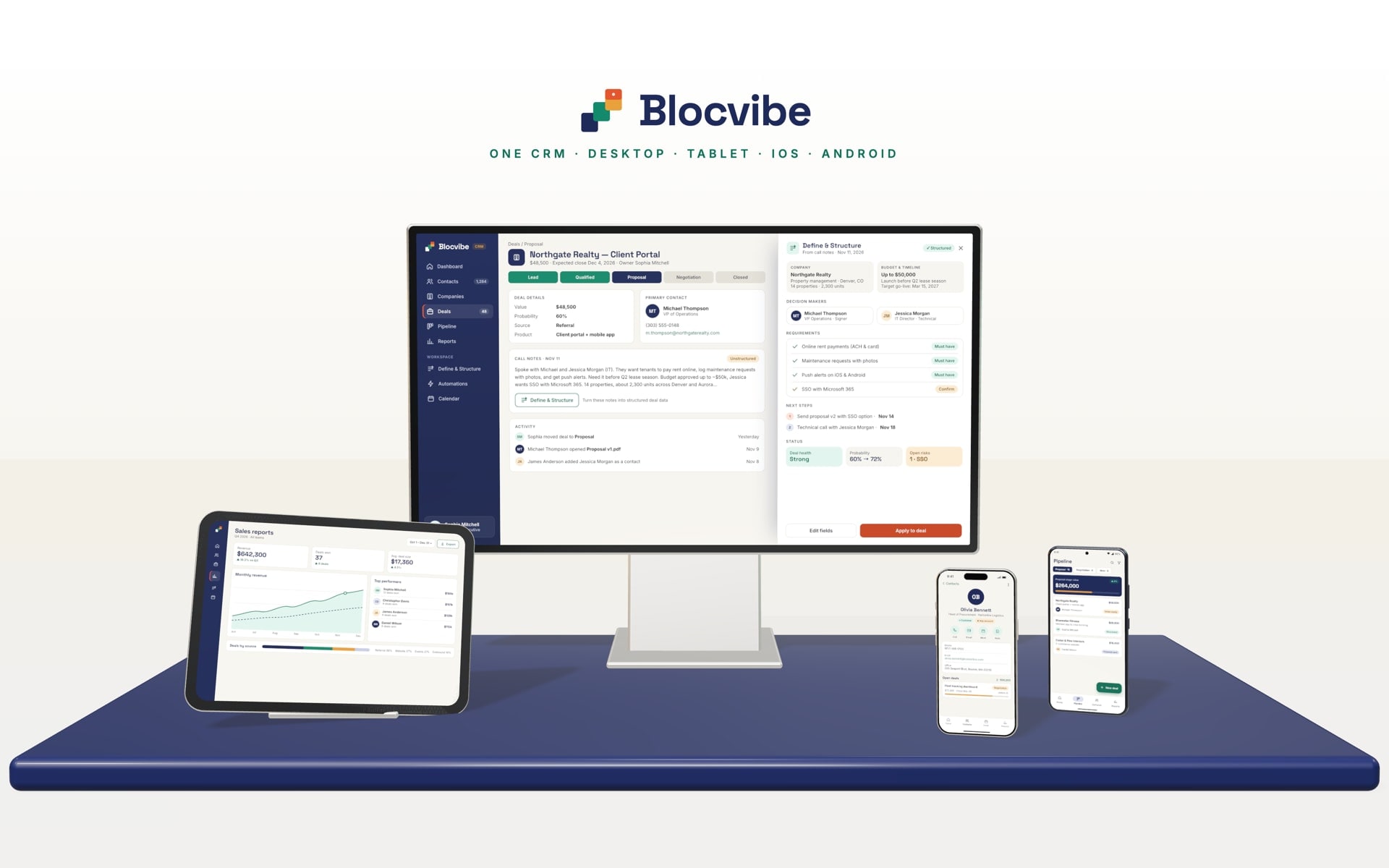
| Business management platform | Bringing customers, sales, stock or projects together. For example: a CRM or ERP shaped around how you work. |
| Customer portal | Letting customers serve themselves. For example: orders, order status, invoices and documents behind a sign-in. |
| Admin dashboard | Giving your team control and visibility. For example: managing content, users and records, with reports. |
| Automation and workflow system | Removing repetitive manual steps. For example: an enquiry that creates a record, notifies the right person and schedules a follow-up. |
When a website is enough
If your main goal is to be found, explain your services clearly and receive enquiries, a well-built website is usually the right answer. What matters is speed, clear messaging, good search visibility and a content management system your team can actually use.
When you need a web application
If people need to do something rather than read something, such as place an order, update a record, book a slot or approve a request, you are describing a web application. The same applies when a process is currently held together by email, spreadsheets and memory.
When you need both
Many businesses need a public website to win customers and a web application behind it to serve them: a customer portal, an internal dashboard or an admin panel. Planning them together means they share one design language, one set of data and one sign-in, instead of becoming two disconnected systems.
The problems we see most often, and how to fix them
These are the issues that come up again and again in first conversations. For each one, here is what it costs a business and a realistic way to solve it.
1. Slow-loading pages
The impact: visitors leave before the page appears, especially on mobile connections, and search engines treat page experience as a quality signal.
The fix: measure first, with real performance data rather than guesses. Then deal with the usual causes: oversized images, too much JavaScript, slow hosting and pages that are rebuilt on every request when they could be served ready-made. Modern frameworks make fast pages achievable, but only if performance is treated as a requirement from the start.
2. Poor mobile experience
The impact: for many businesses, most visitors arrive on a phone. Tiny buttons, sideways scrolling and forms that are painful to fill in quietly cost you enquiries.
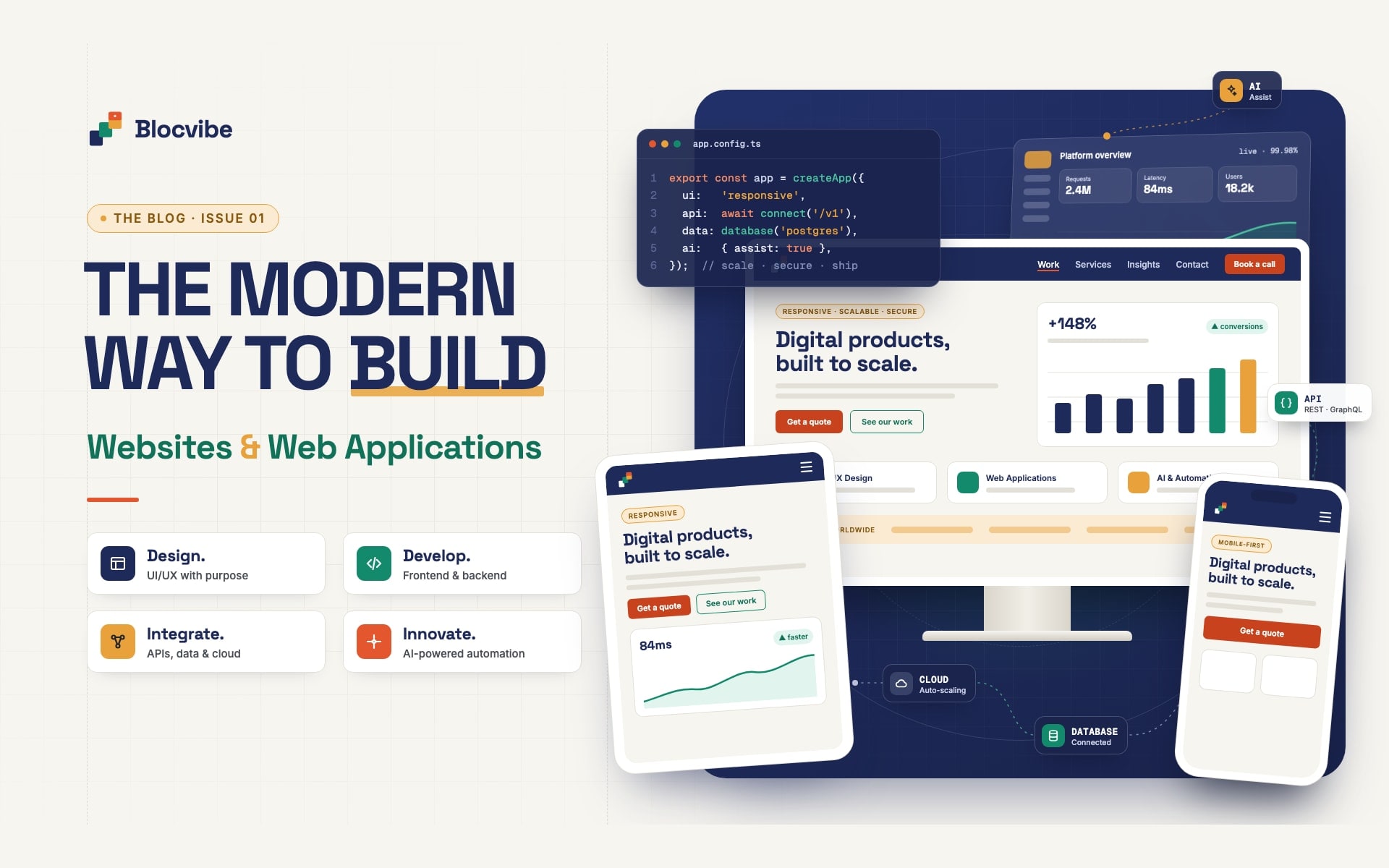
The fix: responsive design, where one layout adapts to phones, tablets and desktops, tested on real screen sizes. Buttons should be large enough to tap, text readable without zooming, and forms short.
3. Confusing user experience
The impact: when visitors cannot quickly work out what you offer or what to do next, they go elsewhere. Inside a web app, confusing screens mean support calls and staff falling back to spreadsheets.
The fix: design each page and screen around what the person is trying to get done, with clear labels, sensible defaults and one obvious next step. Key screens should be designed and reviewed before development starts, when changes are still cheap.
4. Low enquiry and conversion rates
The impact: traffic without enquiries is a cost, not an asset.
The fix: make the offer specific, show genuine evidence such as real projects and real reviews, place a clear call to action where people are ready for it, and keep forms short. Then measure what happens and improve the pages that underperform.
5. Manual business operations
The impact: hours each week spent retyping data, chasing approvals and assembling reports. The cost is easy to underestimate because it is spread across many people.
The fix: map the process step by step, including the exceptions, and automate the repetitive parts with a focused web application. Start with the step that wastes the most time, prove it works and build from there.
6. Disconnected tools and systems
The impact: the same customer exists in four systems with four different addresses, and nobody trusts the reports.
The fix: connect the systems through their APIs so data is entered once and flows where it is needed. Before promising anything, check what each system can actually share and what limits apply.
7. Content that is hard to manage
The impact: small changes need a developer, so the website goes out of date and stays that way.
The fix: a content management system and admin panel built around what your team updates most often, such as articles, projects, prices and opening hours, while the design itself stays consistent.
8. Security weaknesses
The impact: outdated plugins, weak passwords and unprotected forms put your data, your customers and your reputation at risk.
The fix: proven frameworks kept up to date, secure authentication with user roles so people see only what they should, validation of everything users submit, and secrets kept out of the browser. Security is part of the build, not an extra at the end.
9. Software that cannot grow
The impact: something that worked for ten users struggles at a hundred, or every new feature breaks an old one.
The fix: a sensible structure from the beginning: a clear data model, separation between the interface and the business rules, and automated tests on critical flows so changes can be made with confidence.
10. No reliable support after launch
The impact: the developer who built it has moved on, nobody understands the code and every small fix becomes a project.
The fix: agree before you start who will maintain the software, and insist on clear documentation, readable code and a handover of everything you need to run it.
Recognise one of these problems? Tell us what is happening and we will tell you honestly what we would do about it, including when a simpler or off-the-shelf option is the better choice.
How a well-run project works
A good process exists to remove surprises. These are the stages a Blocvibe project moves through. Smaller projects pass through them quickly, but none are skipped.
- Understanding your business. We learn how you work, who your customers are and what has been tried before.
- Identifying the real problem. "We need a new website" sometimes turns out to be "we need fewer manual steps between an enquiry and a quote". Getting this right shapes everything after it.
- Discovery and requirements. We define the goals, what success looks like and any constraints, and check that the idea is feasible.
- Planning the architecture. We choose the structure, data model, technology and integrations that suit the product. Scope, priorities, estimates and milestones are agreed in writing before work starts.
- Designing the experience. Key screens and journeys are designed and reviewed with you, so problems surface before they are expensive to fix.
- Development. The product is built in short iterations, and you review real, working increments rather than waiting until the end.
- Integration. Data, business rules and connections to your other systems are built and proven against real scenarios.
- Testing and quality assurance. Features are checked against the agreed scope, with automated tests for critical flows. Any change to scope is discussed before it happens.
- Deployment and launch. The software goes live in the agreed environment, with monitoring in place, and we hand over what you need to run it.
- Ongoing optimisation and maintenance. Where agreed, we keep improving the product as real use shows what matters most.
What Blocvibe builds
Our work centres on software that solves a specific business problem:
- Business and corporate websites that are fast, responsive, accessible and easy to update, with on-page SEO built in.
- Web applications: customer and partner portals, booking and scheduling tools, internal dashboards and admin panels.
- Custom business software for processes that off-the-shelf products do not fit, including maintenance and ongoing support.
- CRM and ERP systems shaped around how your business actually runs.
- API and system integration that connects the tools you already use.
- SaaS and MVP development: a focused first version, built to learn from.
- iOS and Android apps when a web application is not enough on its own.
On the web we typically work with React, Next.js and TypeScript, REST APIs and relational databases. The technology is chosen to suit the project, not the other way round. If an existing product such as an off-the-shelf e-commerce platform covers your needs well, we will say so. You can see examples of what we have built on our work page.
Why the right development partner matters
The technology is rarely what makes a project succeed or fail. The way it is run usually is. Whoever you choose, look for these things:
- Clear communication. You should always know what is being built, what is finished and what is next, in language you understand.
- Questions before quotes. A partner who quotes a fixed price before understanding your process is guessing.
- A transparent process. Written scope, regular demonstrations of working software and changes agreed before they happen.
- Architecture that can grow. Ask how the software will cope with more users, more data and new features.
- Maintainable code. Readable, documented and tested, so it can be supported by anyone you choose in future.
- Security from the start. Authentication, permissions, data protection and updates planned in, not added later.
- Real quality assurance. Testing on real devices and real scenarios, not just a quick look before launch.
- Support after launch. A clear arrangement for fixes, updates and improvements once the software is live.