A good mobile app starts with a question that has nothing to do with phones: what is slowing the business down? It might be technicians who fill in paper forms on site and retype them in the office. It might be customers who phone to ask where their order is. It might be a sales team that cannot see a client's history while they are sitting in the client's office.
When the answer points to people who work away from a desk, or customers who would rather help themselves, a custom mobile app can remove the friction. When it does not, a well-built website may be the better investment. This guide explains how to tell the difference, what custom iOS and Android apps can do for different kinds of business, how the two platforms differ, which technologies fit which needs, and how a sound project runs from idea to App Store and Google Play.
Have an app idea already? Discuss your app idea with us, or explore our services first.
Why businesses build custom mobile apps
A mobile app earns its place when it changes how work gets done. The most common reasons we hear are practical ones:
- Customer engagement: booking, ordering, tracking and support in one place, with notifications that bring customers back at the right moment.
- Operational efficiency: fewer phone calls, emails and spreadsheets between the field and the office.
- Field workforce productivity: jobs, checklists, photos and signatures on the device people already carry.
- Data collection: structured, validated information captured at the source instead of retyped later.
- Service delivery, booking and scheduling: availability, reminders and changes handled without staff time.
- Inventory visibility and real-time reporting: stock, jobs and orders updated as they happen, not at the end of the week.
- Automation: a completed job that creates an invoice, a delivery that notifies the customer, a low stock level that raises a reorder.
None of these is a reason to build an app simply because competitors have one. An app should be built to solve a defined problem, for defined users, with a clear idea of what success looks like.
When a responsive website is enough
If people mainly need to read information, browse services or send an enquiry, a fast responsive website usually does the job, costs less and needs no download. A web application can also handle accounts, portals and dashboards in the browser.
When a dedicated app adds value
A native or cross-platform app is worth considering when people use it often, need it to work with poor or no signal, rely on the camera, location, barcode scanning or push notifications, or expect the speed and feel of an app on their home screen. Field teams and repeat customers are the clearest cases.
Real-world use cases: problems mobile apps solve
The examples below are typical of the problems businesses bring to us. Each shows the problem, why the current way of working falls short, what the app would do, how it connects to the rest of the business and what to watch out for. They describe what is possible, not results for a particular client.
1. Field service and workforce management
The problem: jobs are handed out by phone, recorded on paper and chased by email. Office staff cannot see what is done, and details are lost between the site and the invoice.
The app: technicians sign in to see their assigned jobs, update the status, complete digital inspection checklists, attach site photos, capture a signature and close the job. Role-based access means supervisors see their teams and technicians see their own work. Push notifications announce new or changed jobs, and location features can help with routing where staff have agreed to it.
Behind it: an admin dashboard for scheduling and review, and an API that passes completed work to job management or accounting software.
The benefit: clear job visibility, structured records and far less manual coordination.
Watch for: offline use on sites without signal, and clear rules for what happens if the same job is edited in two places.
This is close to work we already do: our iOS and Android app development service includes offline-capable field inspection apps that sync when a connection returns.
2. Construction and roofing management
The problem: projects run across many sites at once. Updates live in group chats, photos sit on personal phones and the office finds out about problems late.
The app: crews see their projects and assignments, post site updates, photograph progress and defects against the right job, tick off tasks and leave internal notes. Managers follow progress across sites from the same system.
Behind it: a central CRM or project system that the app reads from and writes to, so the office and the field share one source of truth.
The benefit: one record of each job, with photo evidence and progress that everyone can see.
Watch for: large photo uploads on mobile data, storage costs and who may see which projects. More on this sector on our construction and field services page.
3. E-commerce and shopping
The problem: customers abandon purchases on slow mobile pages, cannot see past orders and miss offers that would have interested them.
The app: a product catalogue with search and filters, customer accounts, a basket, secure checkout, order tracking, wishlists and notifications for orders and relevant offers.
Behind it: the store's product, stock and order systems, connected through reliable APIs. Payments go through an established payment provider, so card details are never stored by the app or your servers.
The benefit: a faster route to purchase for repeat customers and a direct channel for updates.
Watch for: keeping prices and stock in step with the website, and the app store rules that apply to digital goods. Where a strong e-commerce platform already covers the need, its own app tools may be the better first step.
4. Healthcare and appointment booking
The problem: patients struggle to find free appointments, forget them, and phone the front desk for information that could be self-service.
The app: appointment booking against real availability, rescheduling, reminders, secure patient accounts, access to relevant documents and a dashboard for providers. Video consultation can be added through a specialist service where it is appropriate.
Behind it: the practice management or scheduling system, with access limited to what each user needs.
The benefit: fewer missed appointments and phone calls, and easier access for patients.
Watch for: health data carries legal obligations that differ by country, such as HIPAA in the United States or UK GDPR. Privacy, consent, data location and security have to be designed in from the start. No app is compliant simply because it was built; compliance depends on the whole system and how it is operated.
5. Logistics and delivery management
The problem: dispatchers cannot see where deliveries are, customers cannot see when to expect them, and proof of delivery is a signature on paper.
The app: drivers sign in to their assignments and route information, update each stop, capture proof of delivery with a photo or signature, and share location while on shift with their consent. A monitoring dashboard shows progress across the fleet.
Behind it: the order or transport management system, with updates flowing back to customer notifications.
The benefit: live visibility for the office and clear evidence when a delivery is questioned.
Watch for: battery use from location tracking, background permissions on both platforms and patchy signal on routes. See our logistics and fleet management page for more.
6. CRM on the move
The problem: sales and account staff cannot check a customer's history or update records away from a desk, so notes are written up late or not at all.
The app: customer profiles, leads, follow-up reminders, activity logging, notes and tasks, with notifications for what needs attention today.
Behind it: two-way synchronisation with the CRM, so the app is a window onto the same data rather than a second database. Our CRM and ERP development work covers the system side.
The benefit: up-to-date records and fewer forgotten follow-ups.
Watch for: which data is stored on the device, and what happens to it when a phone is lost or an employee leaves.
7. Inventory and warehouse management
The problem: stock counts happen on paper or in spreadsheets, so figures are out of date and reorders are late.
The app: barcode or QR scanning with the phone camera, stock movements, warehouse locations, product details, reorder alerts and inventory reports. Counts can be recorded offline in parts of a building without coverage and synced later.
Behind it: the inventory or ERP system as the master record.
The benefit: stock figures you can trust and earlier warning of shortages.
Watch for: scanning speed on budget devices and conflicts when two people count the same stock. Rebar Performance, one of our projects, is an example in this area: inventory management and performance tracking for teams that work with rebar, built as one Flutter app for Android and iOS.
8. Education and learning
The problem: learners need materials and progress information wherever they are, and educators need to see who is keeping up.
The app: course access, reading, video and audio content, quizzes and assessments, progress tracking, reminders and a learner dashboard, with downloads for offline study.
Behind it: a learning management system or content platform, and reporting for educators.
The benefit: learning that fits around people's days, with progress visible to both sides.
Watch for: video hosting and bandwidth costs, accessibility for all learners and extra care with data about children.
9. On-demand services and bookings
The problem: customers cannot easily find a provider and book a time, and providers juggle requests across calls and messages.
The app: service listings, booking calendars, separate customer and provider accounts, notifications, payments, booking management and, where it suits the business, ratings and feedback.
Behind it: an admin portal to manage providers, services, pricing and disputes.
The benefit: an organised flow from request to completed job, for both sides.
Watch for: payment timing, cancellations and refunds, and moderation of reviews.
10. Custom business and SaaS apps
The problem: off-the-shelf apps cannot support a specialised workflow, several types of user or the way a particular business operates.
The app: multiple user types with role-based permissions, custom dashboards, workflow automation, subscriptions where the product is sold as a service, API integrations and, for software sold to many organisations, a multi-tenant design that keeps each customer's data separate.
Behind it: a web admin portal and an API shared by the app and the website. Our SaaS and MVP development service covers building a focused first version.
The benefit: software that fits the business instead of the other way round.
Watch for: over-building. The architecture should match real requirements, and a first version should prove the core idea before adding everything on the wish list.
One product, two platforms: iOS and Android
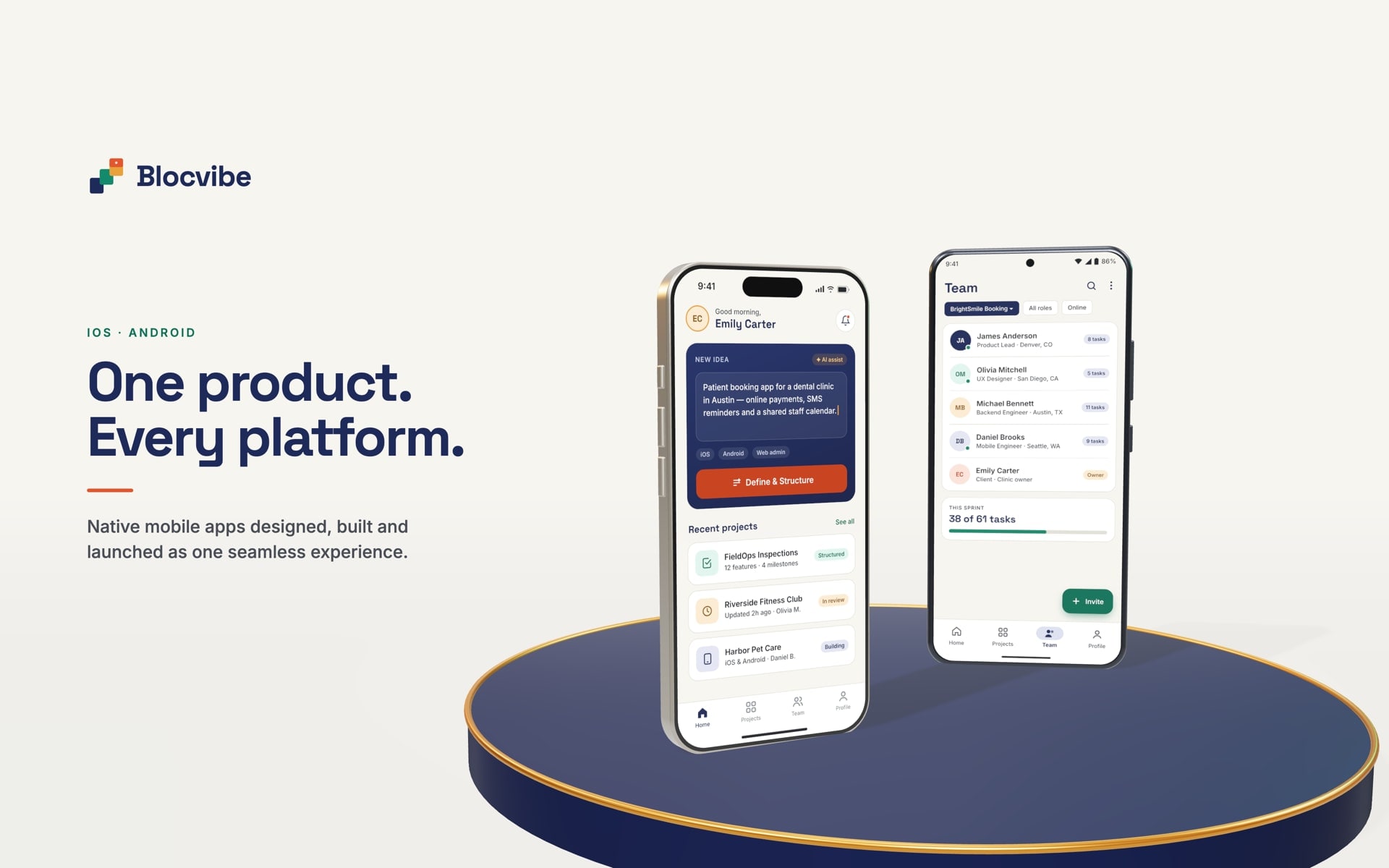
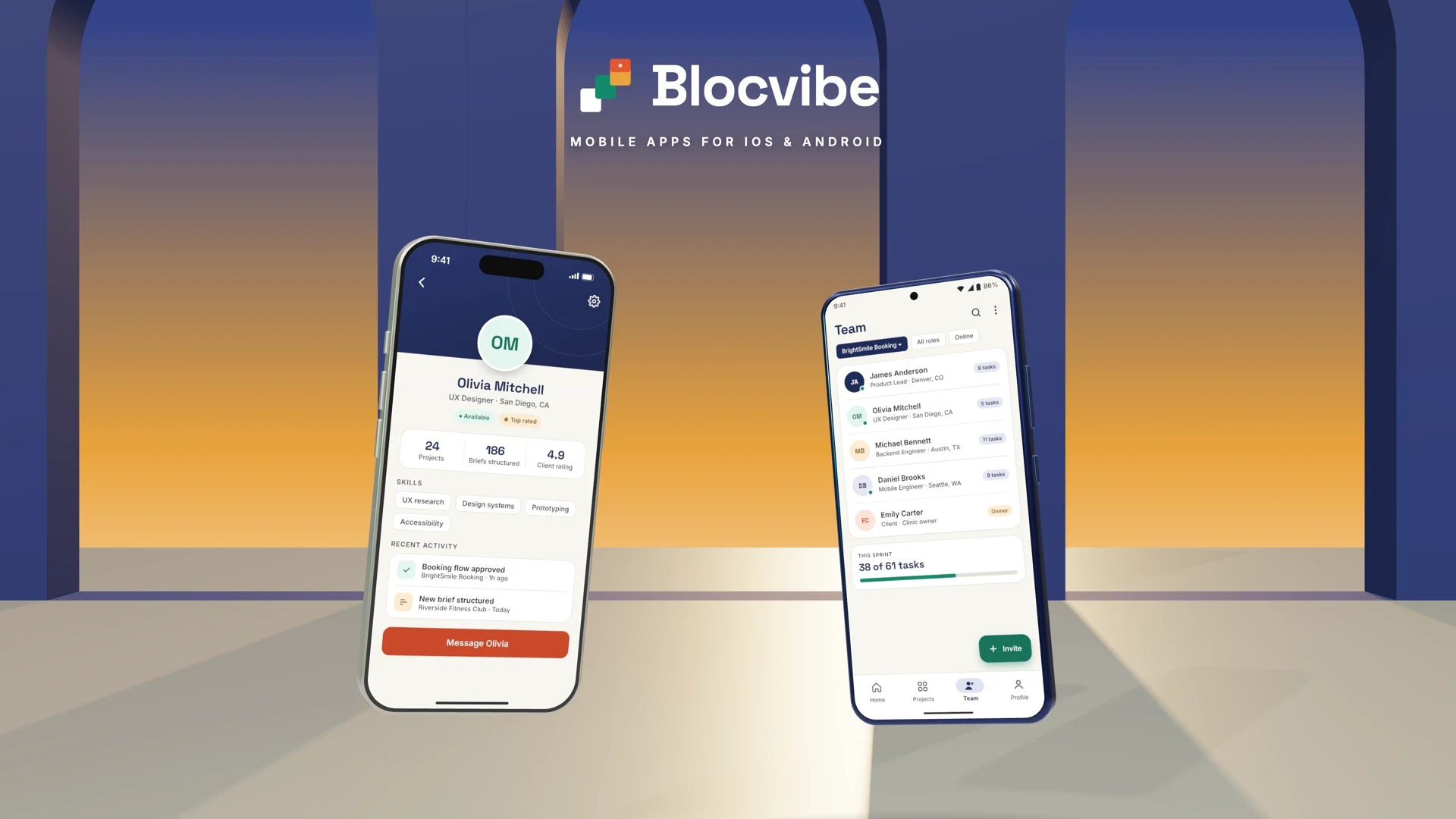
Most businesses need their app on both iPhone and Android phones, because their customers and staff use both. The two platforms share the same goals but differ in tools, design conventions, devices and store rules.
iOS app development
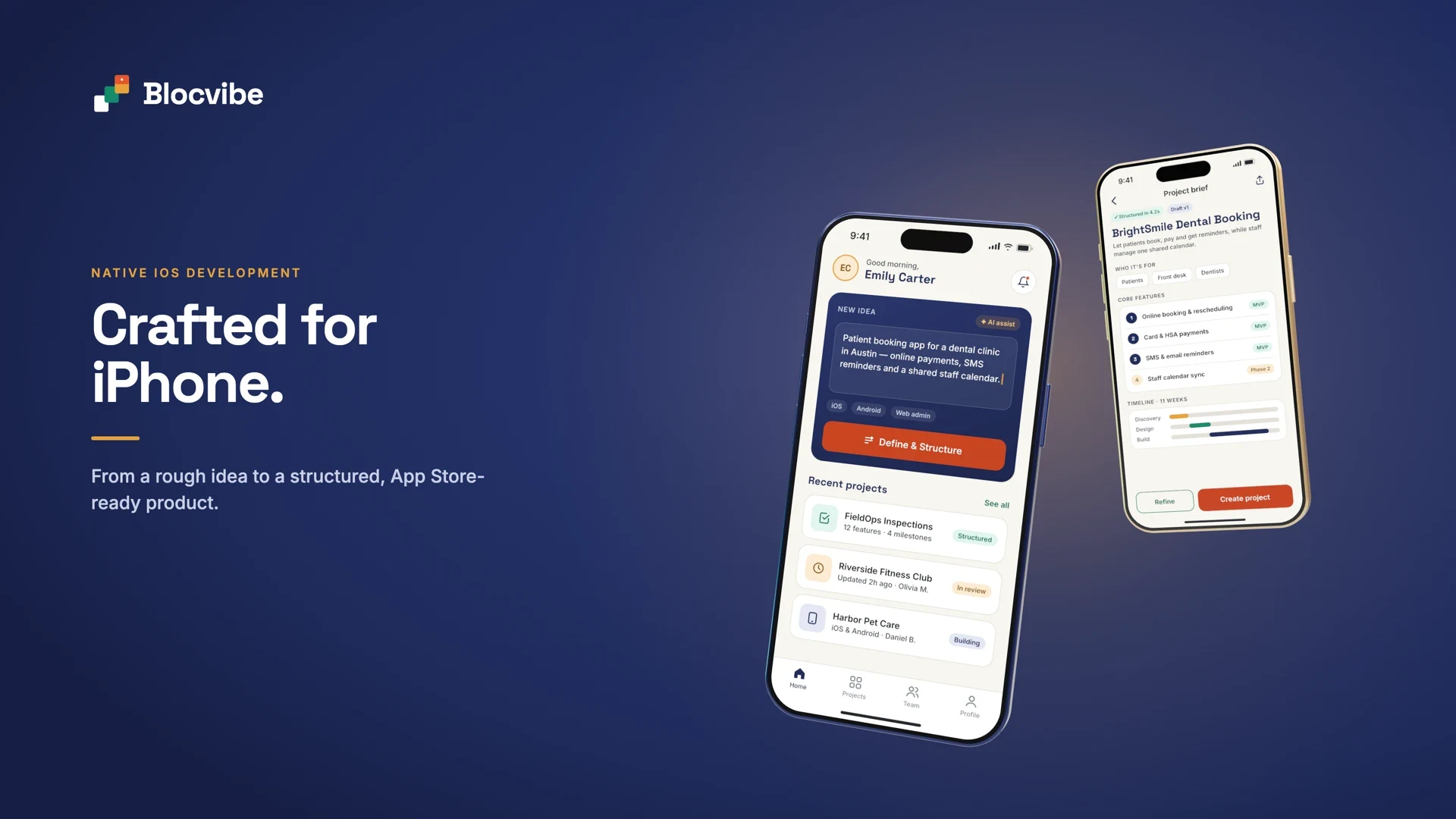
Apple's own toolset is Swift with SwiftUI, and UIKit where an app needs older or more specialised components, built in Xcode. Apple's Human Interface Guidelines describe how iOS apps are expected to look and behave. Apps may need to support iPad as well as iPhone, which affects layouts. Notifications are delivered through the Apple Push Notification service. Every app and update passes App Store review, and the app must explain each permission it asks for, such as camera, location or contacts, and declare how it uses personal data.
A fully native iOS build makes most sense when an app depends heavily on the newest Apple-specific features, or when the business only needs iOS.
Android app development
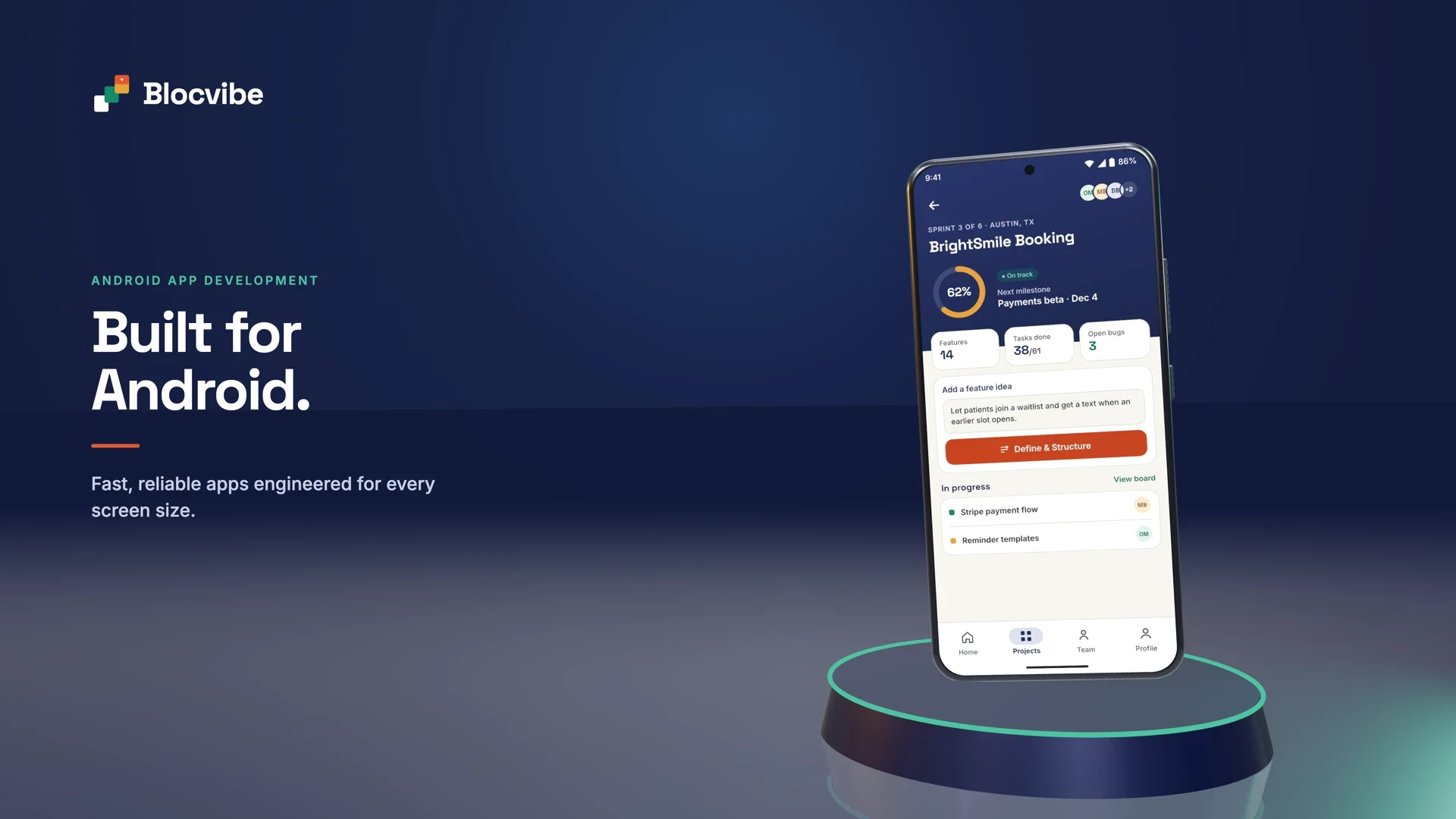
Google's toolset is Kotlin with Jetpack Compose, built in Android Studio, and Material Design provides the design conventions. Android runs on phones and tablets from many manufacturers, with different screen sizes, chipsets and system versions, so testing across a representative range of devices matters more than on iOS. Users grant sensitive permissions at the moment they are needed. Firebase Cloud Messaging is the usual route for push notifications, and Google Play reviews apps and requires a data safety declaration.
iOS and Android compared
| Aspect | iOS | Android |
|---|---|---|
| Native technologies | Swift, SwiftUI, UIKit, Xcode | Kotlin, Jetpack Compose, Android Studio |
| Design guidelines | Apple Human Interface Guidelines | Material Design |
| Device ecosystem | A limited range of iPhone and iPad models from one maker | Many manufacturers, screen sizes and system versions |
| Testing | Fewer devices, but each iOS version and screen size still needs checking | A wider device matrix, including budget phones and manufacturer changes |
| Distribution | App Store, with review of every release | Google Play, with review and policy checks |
| Permissions and privacy | A stated purpose for each permission, privacy details in the App Store listing | Runtime permissions, a data safety section in Google Play |
| Notifications | Apple Push Notification service | Firebase Cloud Messaging |
| Maintenance | Yearly iOS releases and changing review rules | Yearly Android releases and minimum target version requirements |
| Business considerations | Which platforms your users actually have, the features you rely on and the team that will maintain the app | The same questions; most businesses with mixed users need both |
Native or cross-platform?
Native development means building the iOS app in Swift and the Android app in Kotlin. Each app gets direct access to everything its platform offers on the day it ships, at the cost of two codebases, often two specialist teams, and two sets of features to keep in step.
Cross-platform development means building one app that runs on both. The two leading options are Flutter, from Google, where the app is written in Dart and compiled to native code, with its own rendering engine; and React Native, from Meta, where the app is written in JavaScript or TypeScript and drives native interface components. Both share most of the code between platforms, and both can call native code when a feature needs it.
The trade-offs are real on both sides. Cross-platform apps usually cost less to build and maintain because there is one codebase, but platform-specific features may need native modules, and new platform features can take time to arrive in the framework. Native apps give the most direct access and control, but double much of the work. Either way, testing still has to happen on real iOS and Android devices.
Blocvibe builds mobile apps with Flutter by default, so one well-built codebase serves both iOS and Android. For an app that depends heavily on platform-specific features, fully native apps can be the better choice, and we will say so. The decision should rest on the app's complexity, its integrations, performance needs, the team that will maintain it and its long-term roadmap, not on a favourite tool.
How a mobile app project runs
Mobile apps rarely stand alone. Behind most of them is a secure API, a database, an admin dashboard and connections to other systems. A sound process plans all of it together.
- Business discovery and requirements. Who will use the app, what they need to do and what success looks like. Output: a clear problem statement and prioritised requirements.
- Product strategy and technical architecture. What goes into the first version, which platforms, native or cross-platform, and how the app, backend and integrations fit together. Output: scope, estimates and milestones agreed in writing.
- UI/UX design and prototyping. Key screens and journeys designed and tested with real users where possible, following each platform's conventions. Output: clickable designs.
- iOS and Android development. Built in short iterations, so you can try working builds on your own phone as the app takes shape.
- Backend, database and API engineering. The server side that stores data, applies business rules, authenticates users and powers the admin dashboard.
- Third-party integrations. Payments, maps, messaging, CRM, ERP and other systems, each checked against what its API actually allows.
- Quality assurance and device testing. Features tested against the agreed scope, on a range of real devices and network conditions, with automated tests for critical flows.
- App Store and Google Play preparation. Store listings, screenshots, privacy declarations and review requirements. Apps are published under your own developer accounts.
- Deployment and launch. Backend in production, monitoring in place and the release rolled out, sometimes to a small group first.
- Monitoring, maintenance and improvement. Crash reports and analytics show what to fix and improve; operating system updates and store rule changes are handled as they come.
Mobile features that solve real problems
Every feature below solves a specific problem, and none belongs in every app. Each one also brings questions about permissions, privacy, battery use, network conditions and platform rules.
- Push notifications: tell people about a new job, a confirmed booking or a delayed delivery without them checking the app. Overuse leads people to switch them off.
- Real-time synchronisation: everyone sees the same, current information. It needs careful design to stay fast on weak connections.
- Secure authentication and biometrics: quick, safe sign-in with Face ID or a fingerprint where the device supports it, backed by proper server-side access control.
- GPS and location: routing, check-ins and proof of attendance. It requires clear consent and has a battery cost.
- Camera and photo uploads: evidence of work, damage or delivery, attached to the right record. Large files need compression and reliable upload queues.
- Barcode and QR scanning: fast, accurate stock and asset handling without extra hardware.
- Offline mode and background sync: work continues without signal and uploads when a connection returns, with agreed rules for conflicting edits.
- Payments: handled by an established payment provider so card data never touches your systems.
- Messaging: structured messages tied to a job or order, where chat genuinely helps.
- Analytics and reporting: how the app is used and where people get stuck, collected with consent.
- AI features: such as reading documents or suggesting the next step, where they save real time and people stay in control of the result. See our AI integration service.
- Wearables and IoT: connecting to sensors or devices over Bluetooth or the cloud, where the use case calls for it.
Common challenges and how to solve them
| Challenge | Usual root cause | Practical approach |
|---|---|---|
| Slow performance | Heavy screens, large images and too many network requests | Profiling on real devices, efficient rendering, caching and leaner API responses |
| Unreliable connectivity | Apps designed for office Wi-Fi | Offline-aware workflows, local storage and background synchronisation |
| Different screen sizes | Layouts designed for one phone | Adaptive layouts and testing across a device range |
| Data security | Weak sign-in, over-broad access, data kept on devices | Secure authentication, role-based authorisation, encrypted transport and minimal data on the device |
| Poor user experience | Screens designed without users | User research, prototype testing and platform-consistent design |
| Complex integrations | Assumptions about what other systems can share | Checking each API early and building reliable integration patterns with retries and logging |
| Growing user numbers | A backend sized for the pilot | Suitable architecture, database optimisation and monitoring |
| Hard maintenance | Tangled code and no tests | Modular architecture, documentation and automated tests |
| App store rejection | Guideline issues found at submission | Reviewing the store guidelines during design, not just before release |
| Inconsistent iOS and Android experiences | Two apps designed separately | One product design with platform-appropriate interactions |
Most of these have trade-offs. Offline support adds complexity to sync; stronger security can add friction to sign-in; testing more devices takes time. The right balance depends on who uses the app and what is at stake.
How Blocvibe can help
We help businesses move from an idea or an existing process to a well-engineered mobile product, together with the systems behind it:
- iOS and Android app development with Flutter, from one codebase, including offline-capable field apps and App Store and Google Play submission support.
- Custom software development for the backend, business rules and admin tools an app depends on.
- Web application development for portals and dashboards that sit alongside the app.
- SaaS and MVP development for a focused first version, built to learn from.
- CRM and ERP development and API and system integration, so the app works with the systems you already run.
- AI integration where it removes real manual work.
You can see mobile work we have delivered, such as Lokahi Fishing, an app for fishermen across the Hawaiian Islands with catch reports, tides and weather, photo sharing and leaderboards, on our work page.